When a new backlight foil doesn't fix a BeoLink 7000
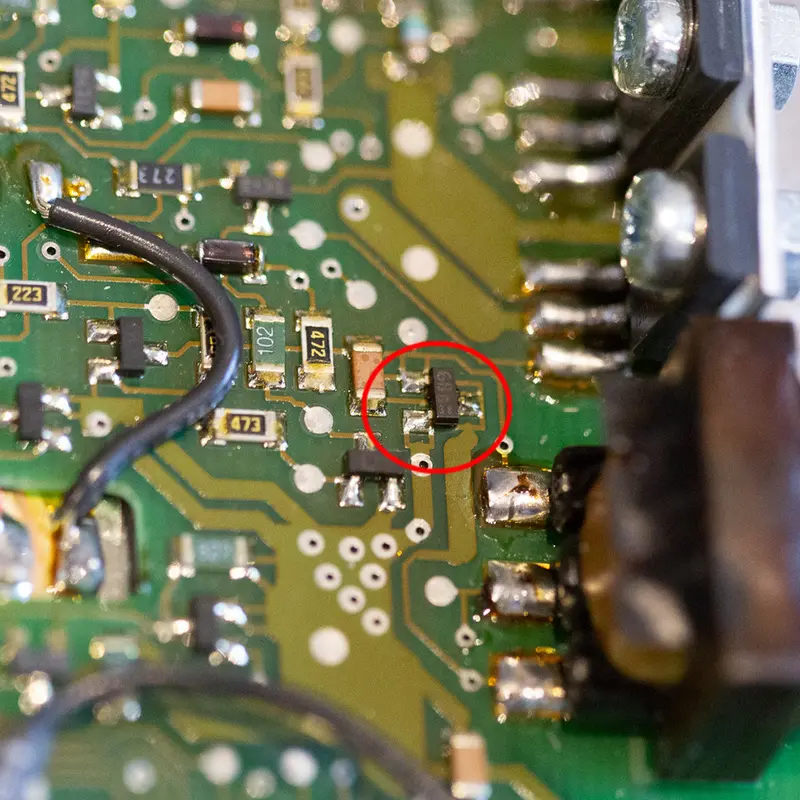
A dim or dead backlight on the BeoLink 7000 is usually just a worn out EL foil, and a new foil fixes it. So when another one came in with the usual symptoms, I replaced the foil as normal. This time the display stayed dark.
The service manual puts the backlight supply at about 110 V AC. I measured 0 V, so the problem was further upstream, and the inverter was silent too, where you can normally hear a faint hum from it. At this point the manual's answer is to replace the analog module, PCB1, as a whole. I traced it further instead.
The backlight is driven by a small 400 Hz oscillator built around TR37, a BC817 transistor on PCB1. When I opened the remote, TR37 showed visible signs of wear. I can't say for sure what stressed it, but it was clearly the suspect. I replaced it with a generic BC817 NPN transistor with the same specifications.
With power back on, the inverter started and the backlight came on again.
More work
More on the BeoLink 7000
BeoLink 7000 overview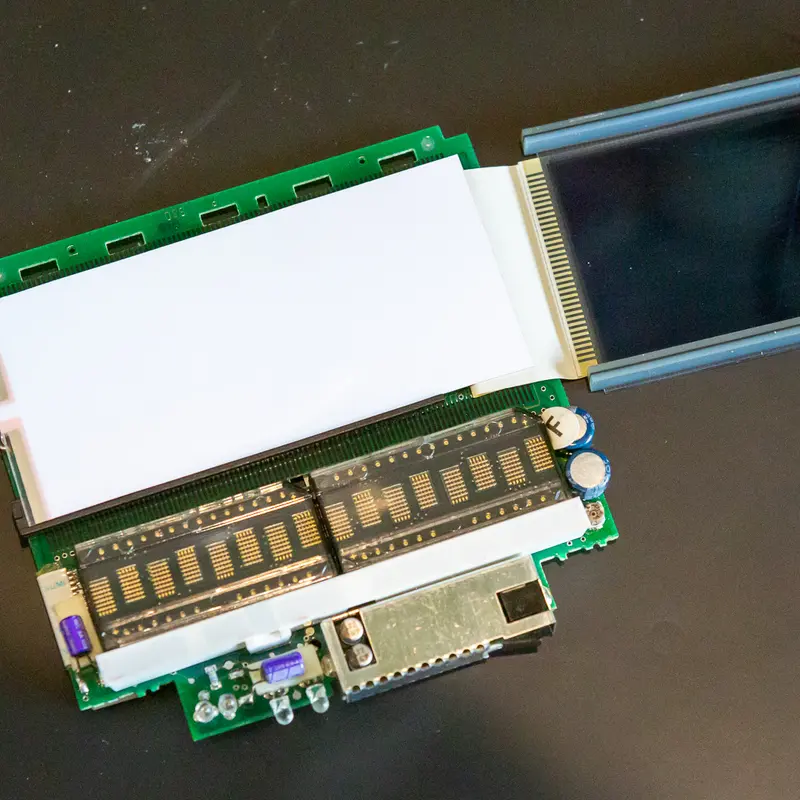
Backlight
A weak or dead backlight is the most common fault on the BeoLink 7000. The EL foil behind the display wears out, and I replace it with a new one.
Replacing the batteries in the BeoLink 7000
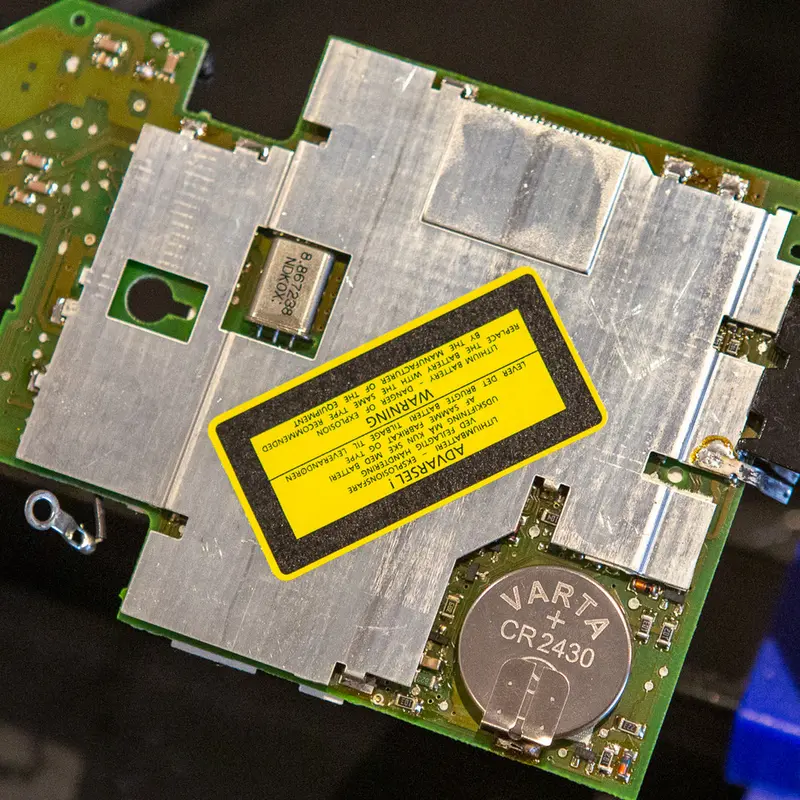
The BeoLink 7000 has two batteries, the main battery and a lithium coin cell that keeps its settings. Both are long past their life, so I replace both.
Cleaning and lubricating the BeoLink 7000
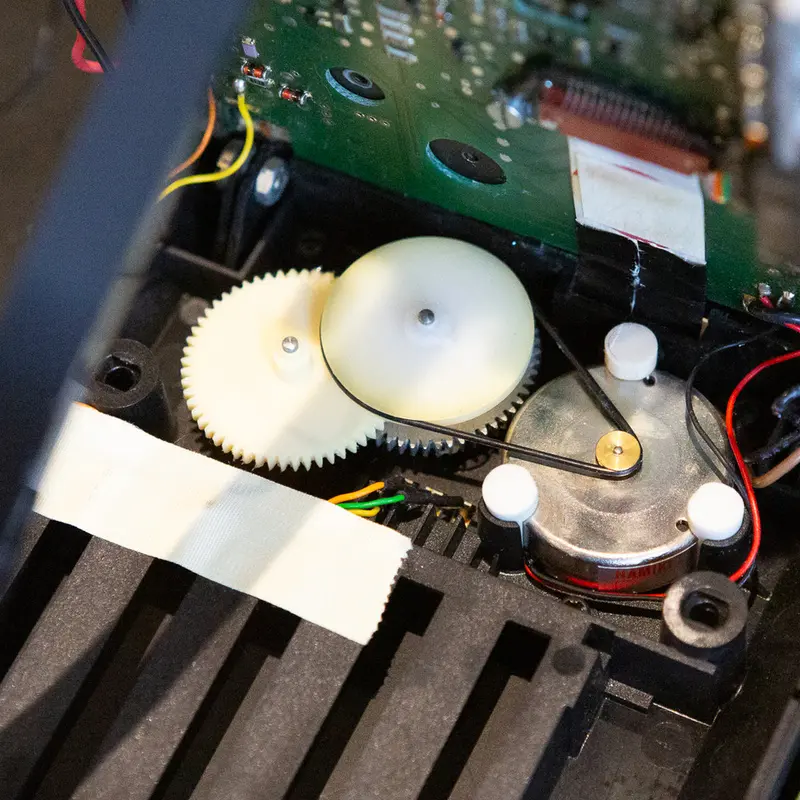
The display lift in the BeoLink 7000 runs on a small belt, gears and a guide rail. I clean and relubricate the mechanism, fit a new belt and replace the capacitors and fuse on PCB01.
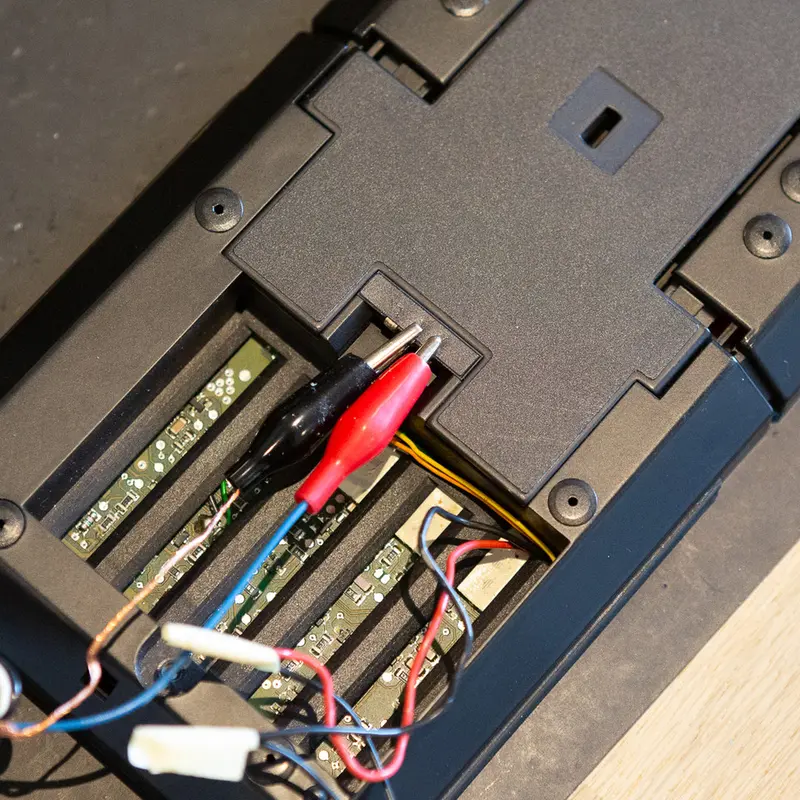
Testing the BeoLink 7000
The BeoLink 7000 has a built in test program. I use it at the end of a restoration to check the keys, the display and the memory.
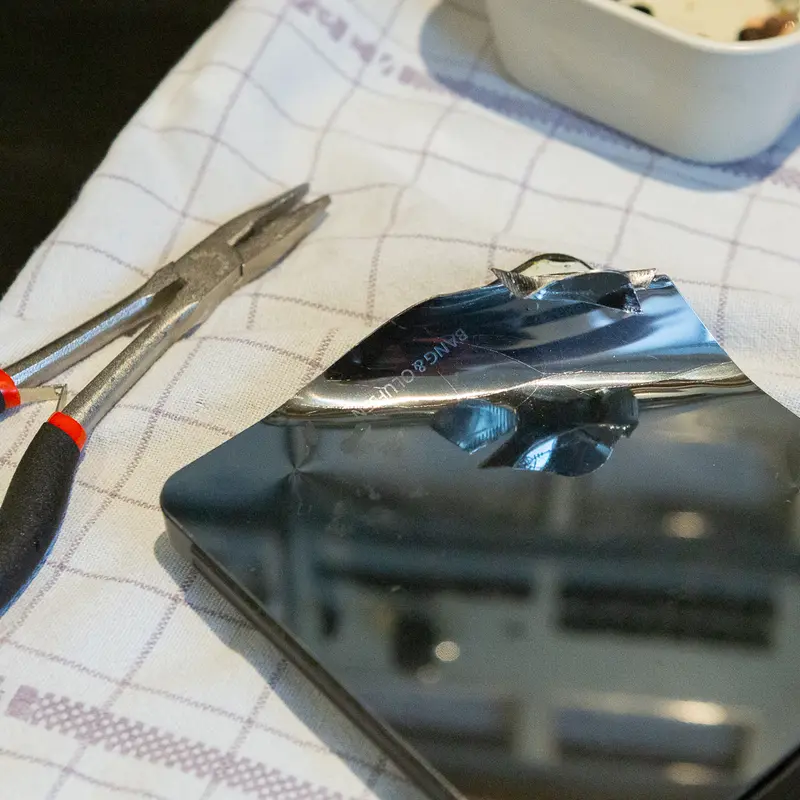
Stainless steel top plate
The top plate on the BeoLink 7000 is almost always scratched or dented. I replace it with a new plate in mirror polished stainless steel.
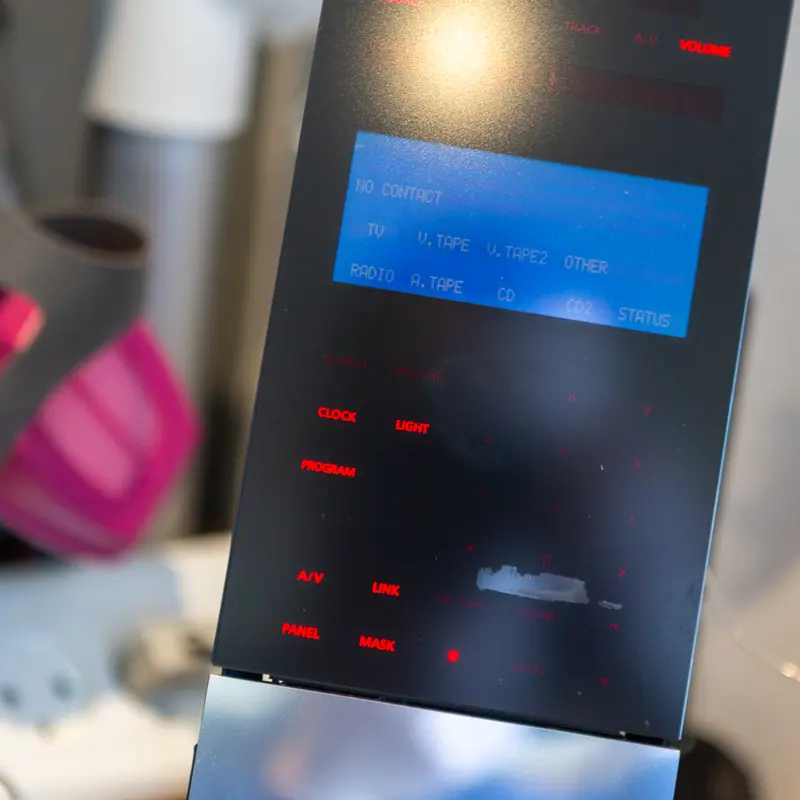
Regluing the glass front on the BeoLink 7000
Now and then the adhesive between the glass front and its plastic frame starts to let go on a BeoLink 7000. As long as it hasn't come off completely, a syringe of thin superglue fixes it.
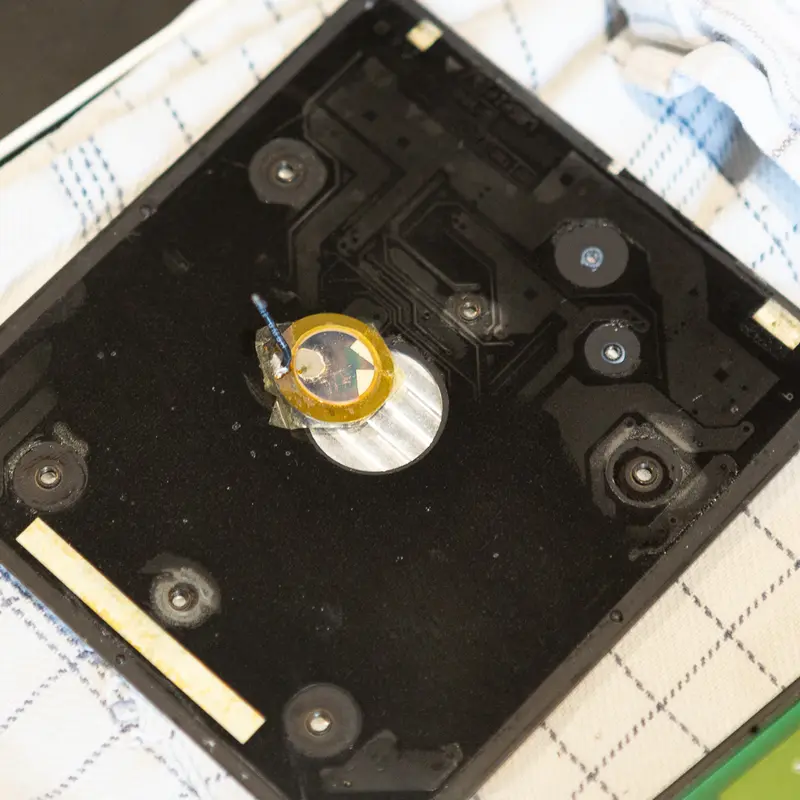
Piezo element
Tapping the top plate wakes the BeoLink 7000, thanks to a small piezo element underneath. When that stops working, the piezo has usually failed with age, and I replace it.
Have a BeoLink 7000 that needs this?
Tell me about your BeoLink 7000 and what's wrong with it, and I'll get back to you.