Testing the BeoLink 7000
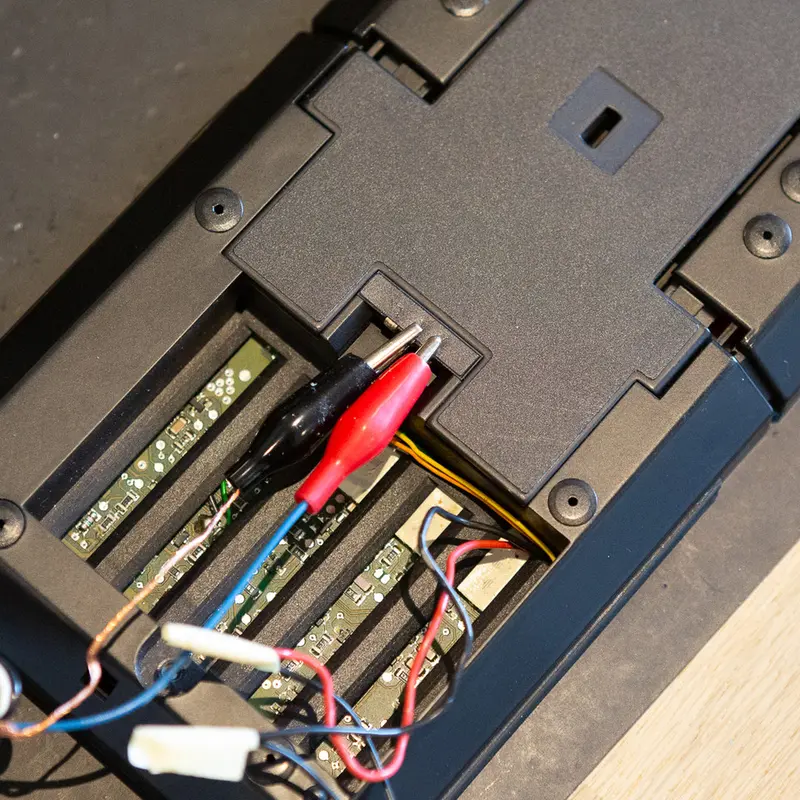
At the end of a restoration, I check the BeoLink 7000 with its built in test program. Test mode starts when a 10 Hz signal of 0 to 5 V is applied to the data input on the back for at least 2 seconds, with the remote switched on. I use a TG7 to generate it.
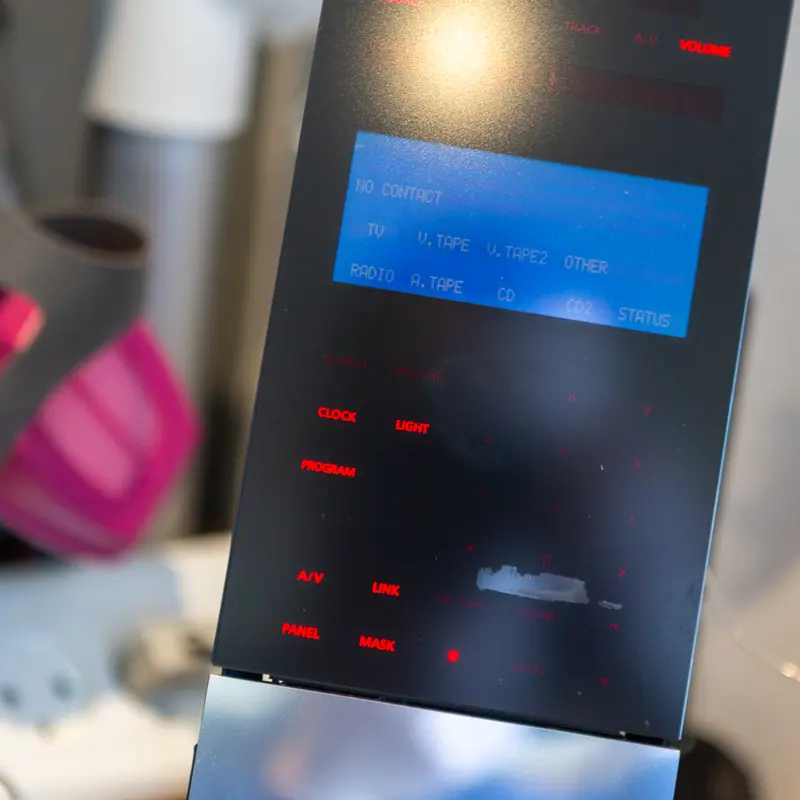
Entering test mode runs a display test on its own. The red display steps through H, I and a full segment pattern, and the blue LCD shows arrows on all five lines. After that, each key press blanks the backlight and shows KEY with the key's code in the red display, so every key can be checked.
Holding key 2 for 3 seconds shows the software version, and holding key 9 runs the memory test, where 64K ROM, 128 RAM and 2K EXT RAM should each read 00 OK. Keys 7 and 8 set the remote to the European or the American version, which is needed after a module has been replaced.
Holding standby for more than 3 seconds leaves test mode, and off the charger it also exits on its own 10 minutes after the last key press. Here's the display in test mode.
More work
More on the BeoLink 7000
BeoLink 7000 overview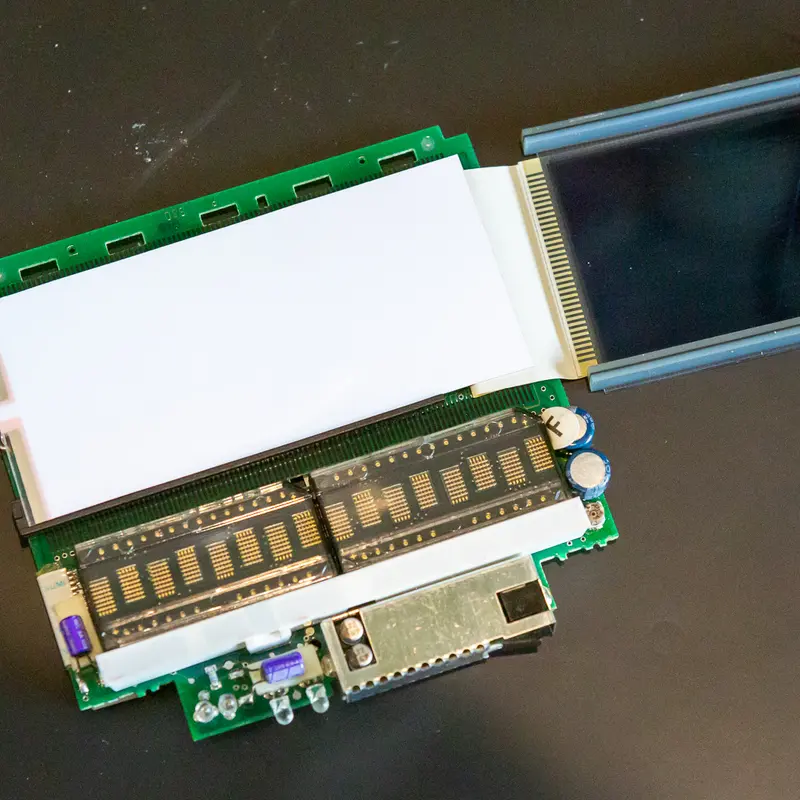
Backlight
A weak or dead backlight is the most common fault on the BeoLink 7000. The EL foil behind the display wears out, and I replace it with a new one.
Replacing the batteries in the BeoLink 7000
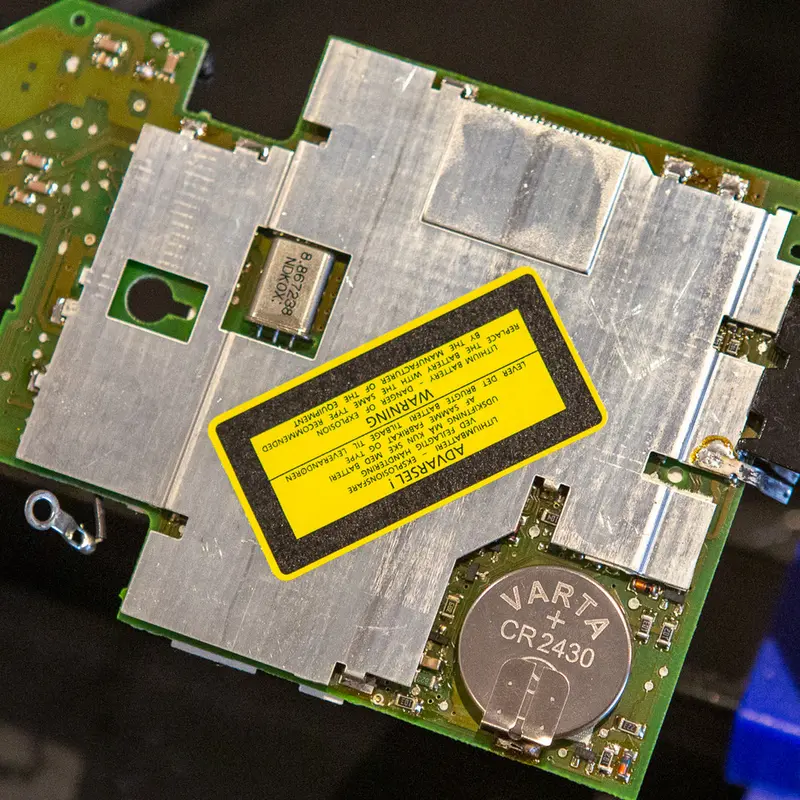
The BeoLink 7000 has two batteries, the main battery and a lithium coin cell that keeps its settings. Both are long past their life, so I replace both.
Cleaning and lubricating the BeoLink 7000
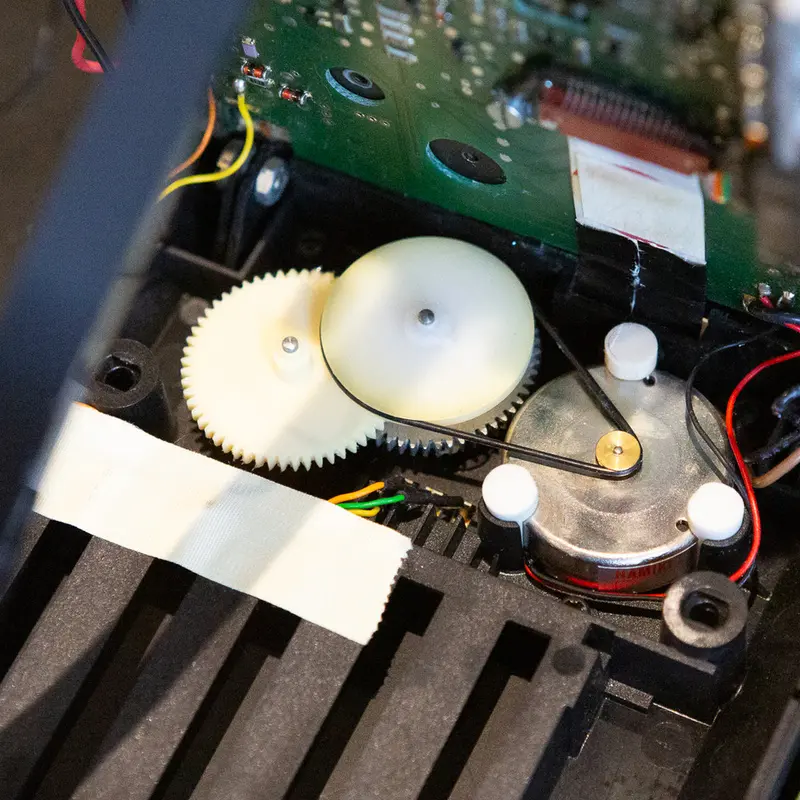
The display lift in the BeoLink 7000 runs on a small belt, gears and a guide rail. I clean and relubricate the mechanism, fit a new belt and replace the capacitors and fuse on PCB01.
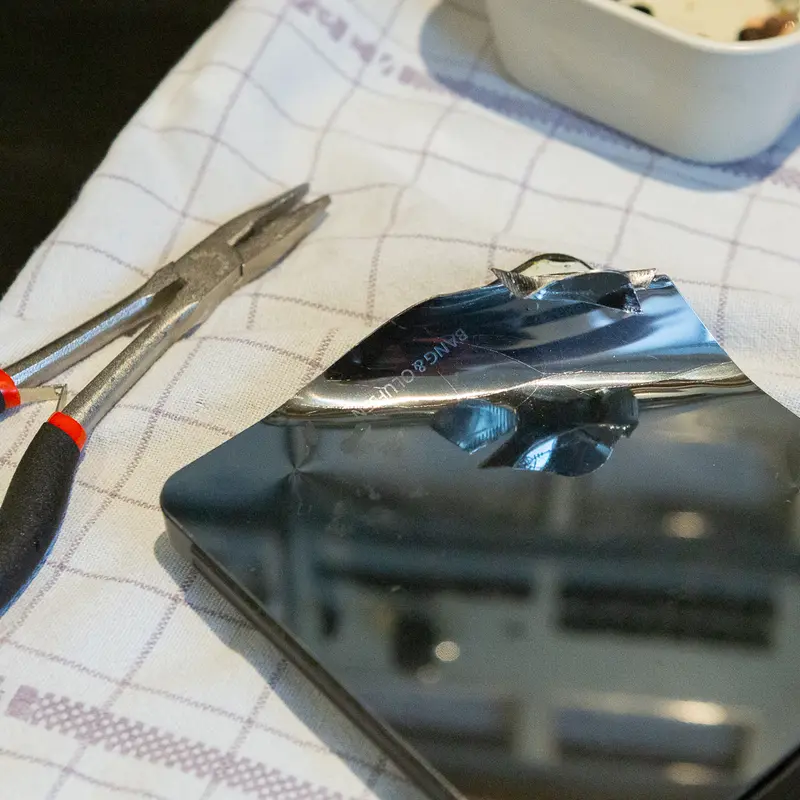
Stainless steel top plate
The top plate on the BeoLink 7000 is almost always scratched or dented. I replace it with a new plate in mirror polished stainless steel.
Regluing the glass front on the BeoLink 7000
Now and then the adhesive between the glass front and its plastic frame starts to let go on a BeoLink 7000. As long as it hasn't come off completely, a syringe of thin superglue fixes it.
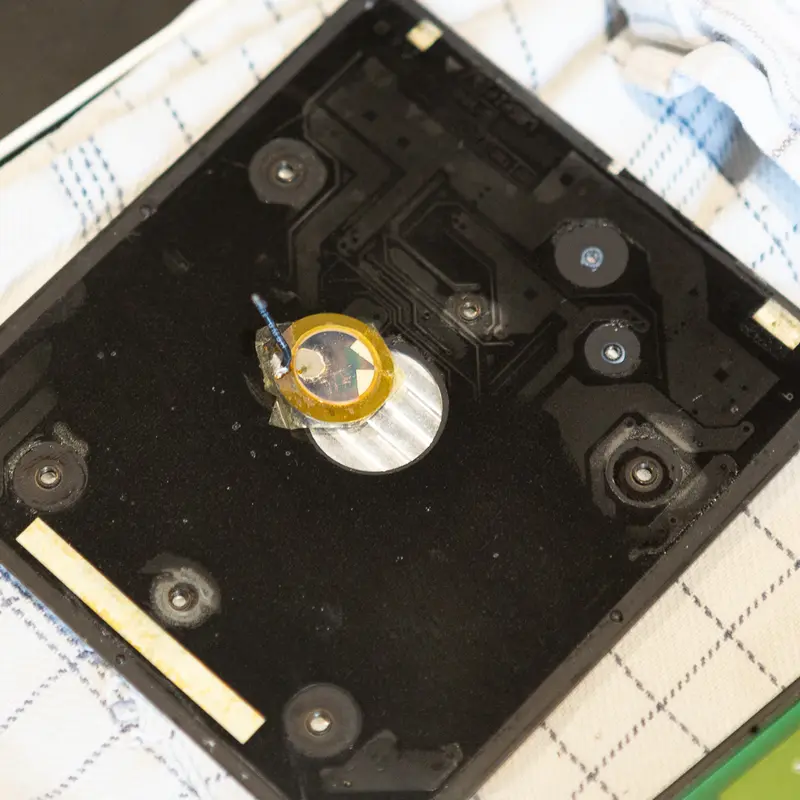
Piezo element
Tapping the top plate wakes the BeoLink 7000, thanks to a small piezo element underneath. When that stops working, the piezo has usually failed with age, and I replace it.
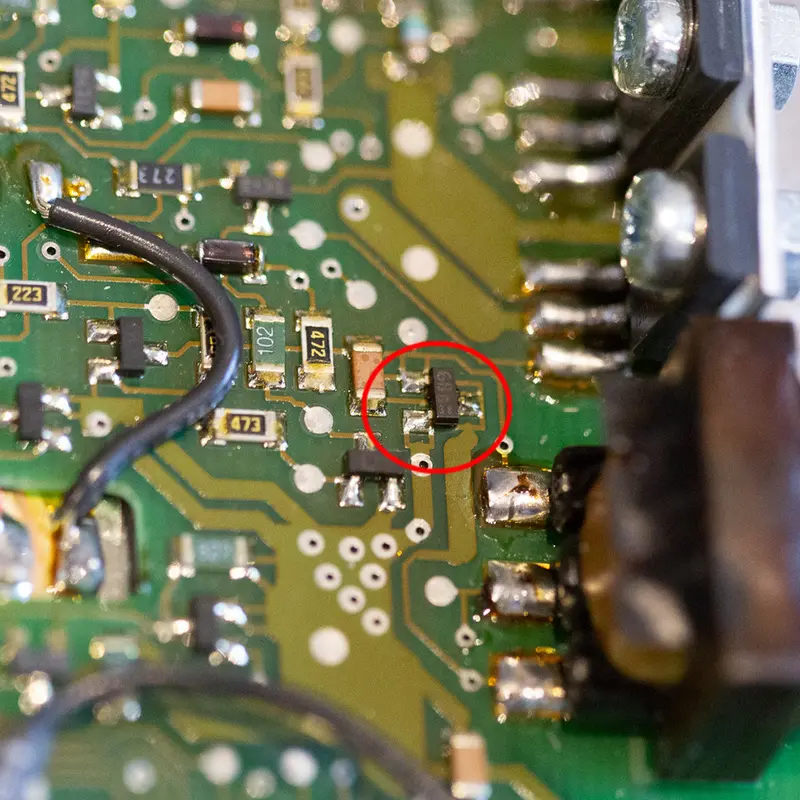
When a new backlight foil doesn't fix a BeoLink 7000
A BeoLink 7000 still had no backlight after I fitted a new EL foil. The cause turned out to be a failed transistor in the backlight oscillator.
Have a BeoLink 7000 that needs this?
Tell me about your BeoLink 7000 and what's wrong with it, and I'll get back to you.